 Appsolutely Fabulous
ModernMarkdown
A Markdown editor and notes app that keeps your writing on your device. Write in plain text, switch to a clean live preview, and come back to your work in a local library. No account, no sign-up.
ModernMarkdown is an Android app, available on Google Play.
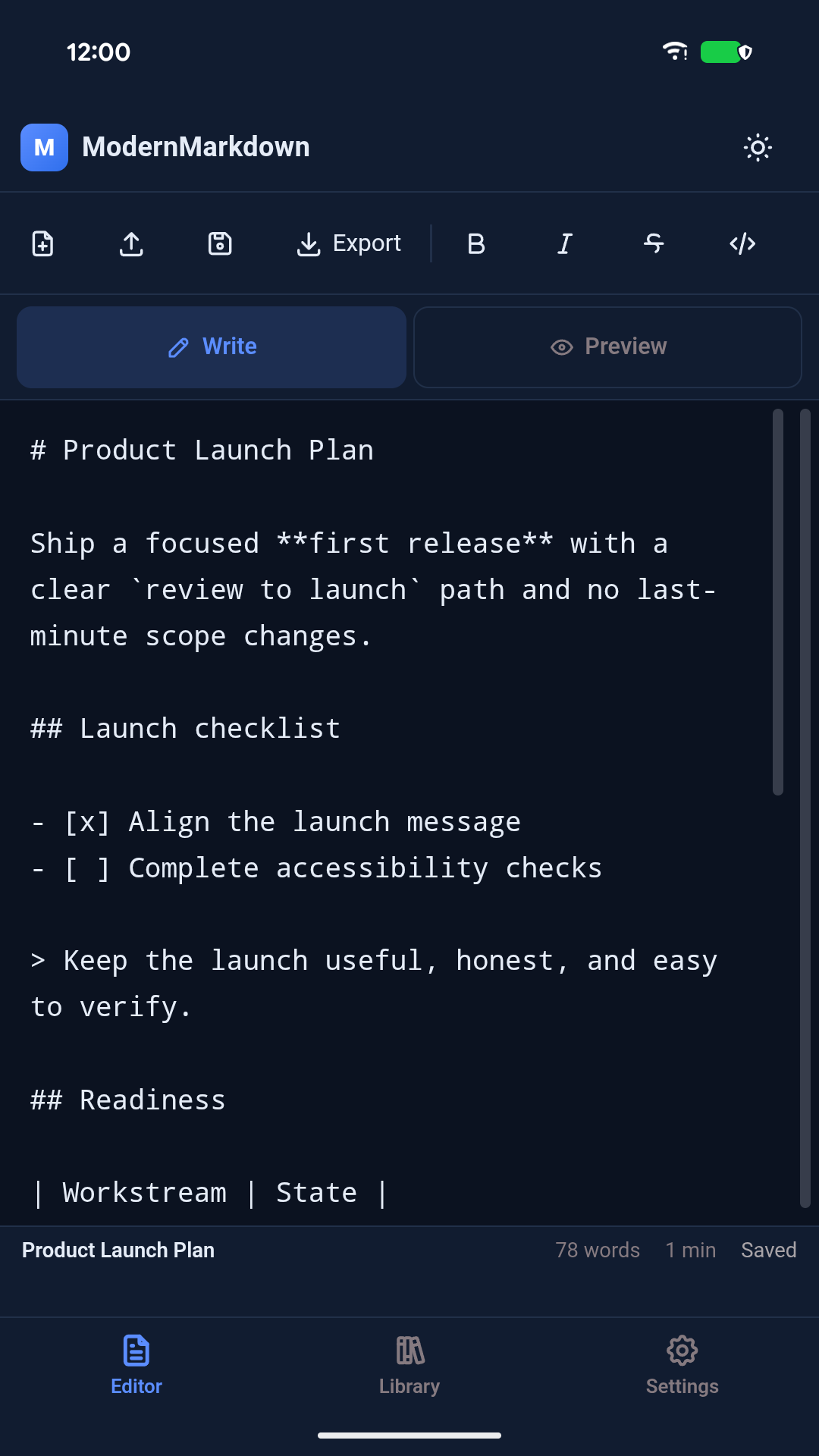
Write with room to think
- Write Markdown with a toolbar for headings, lists, task lists, links, quotes and inline code.
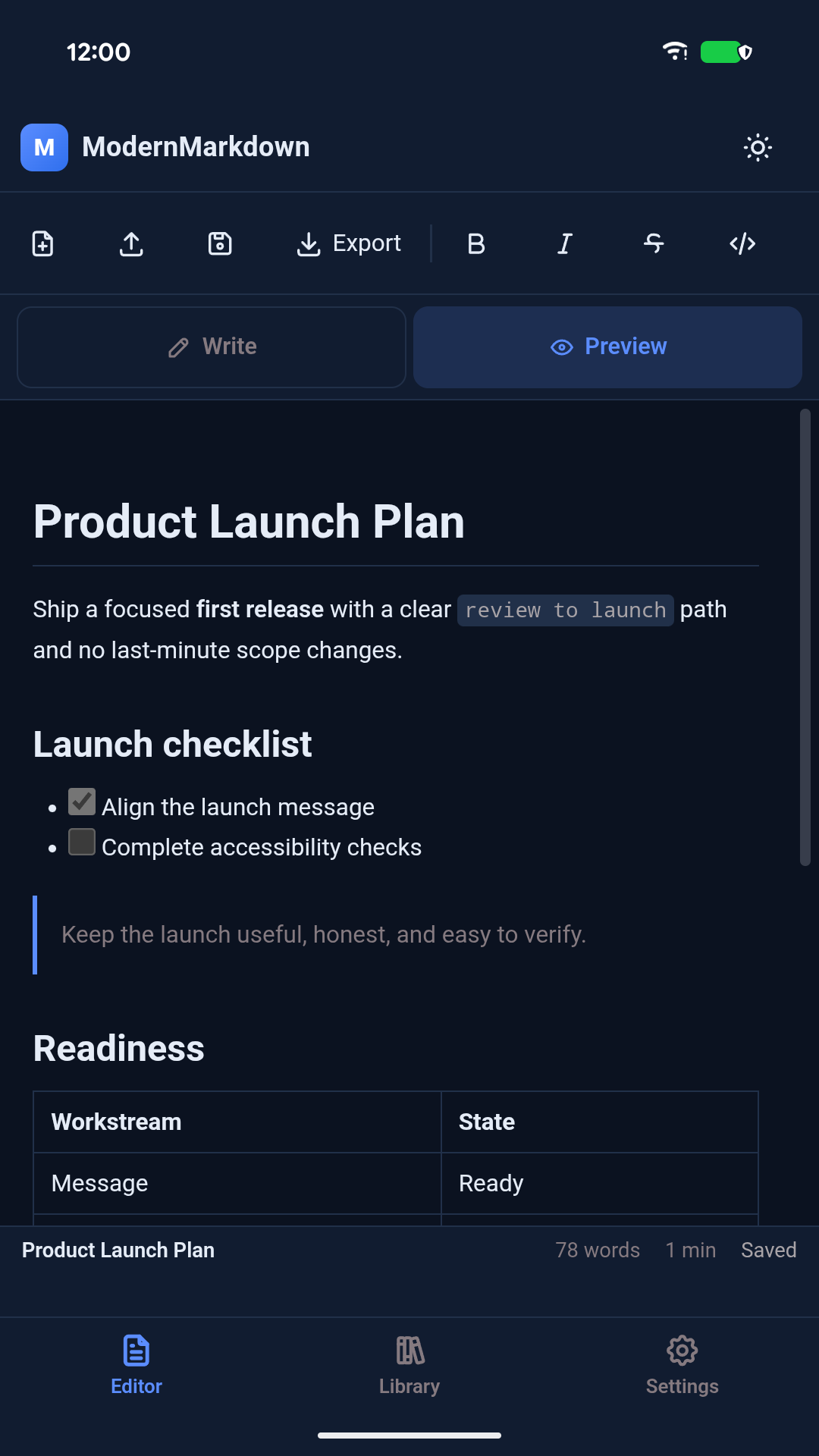
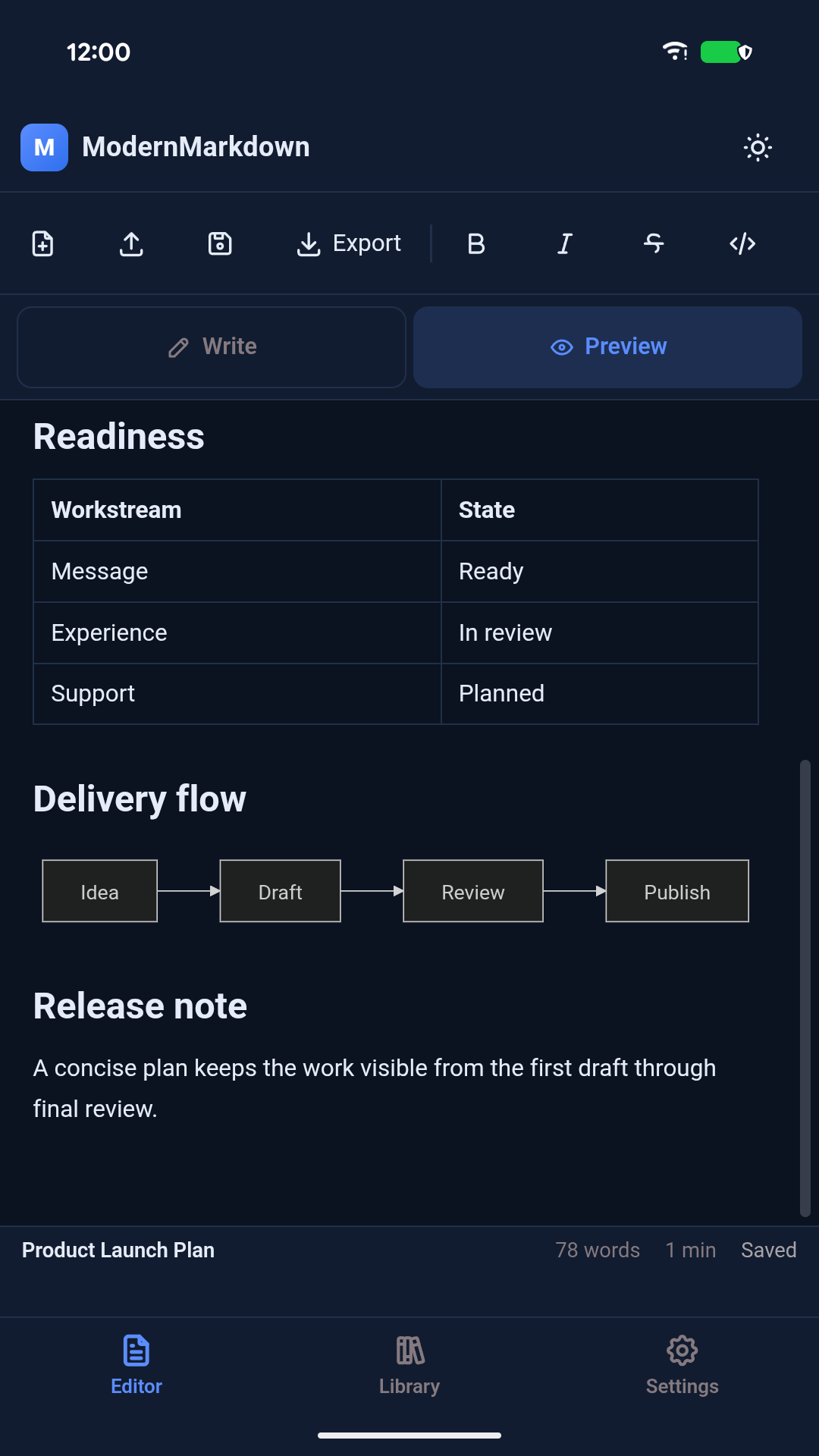
- Switch to a rendered preview with formatting, tables and supported Mermaid diagrams such as flowcharts.
- Autosave to private storage on your device, with no account or sign-in.
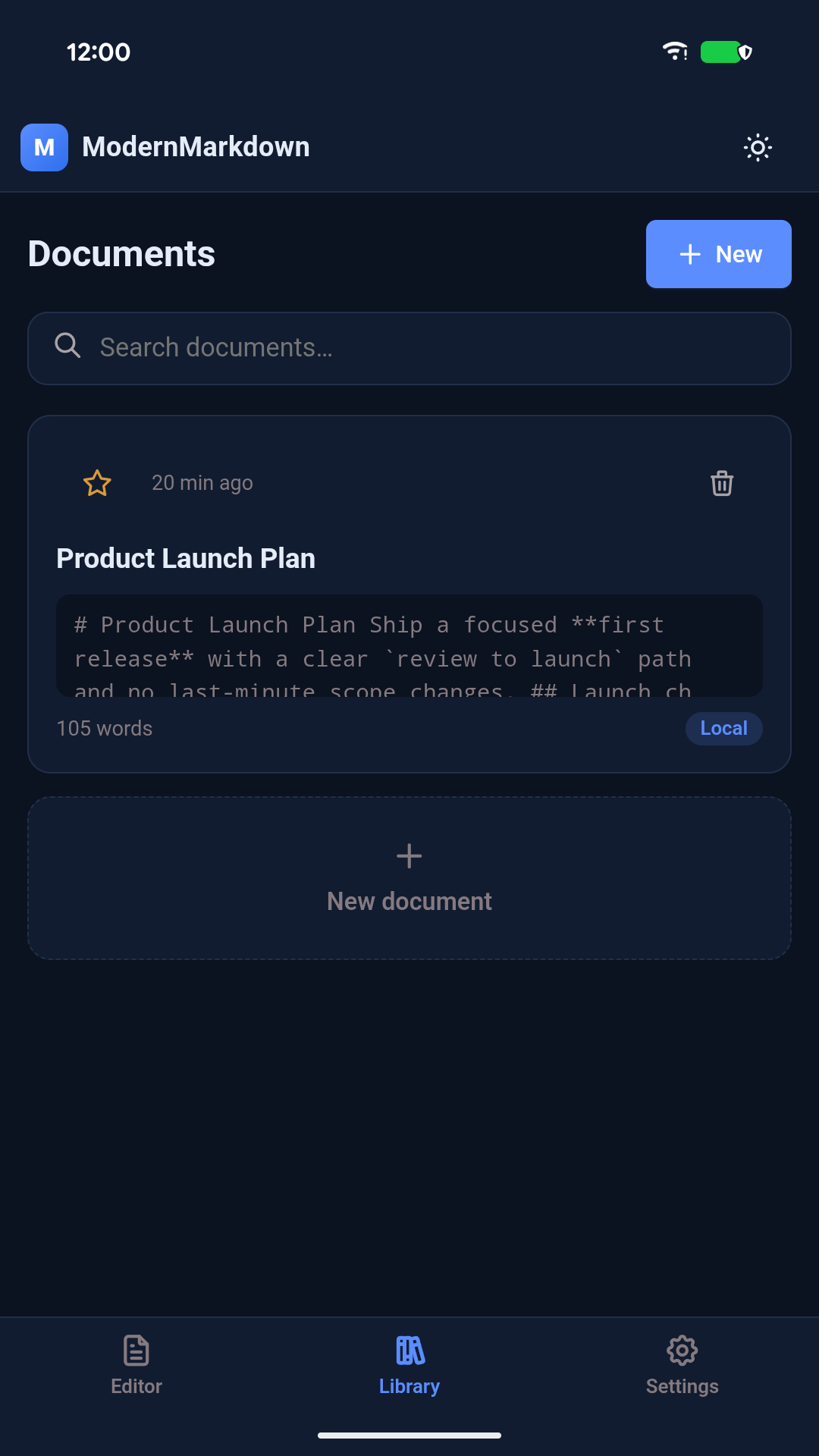
- Keep recent documents in a local library with search and favourites.
- Import Markdown or text files and export a Markdown copy wherever you choose.
- See word count and estimated reading time as you write.
- Choose light, dark or system appearance and an accent colour.
- Use AI only if you want to, through another app or with your own provider key.
Inside the app
Genuine phone screenshots from development and testing. The interface may change before a wider release.
AI when you want it
Open in AI… passes selected text or a whole document to another app through your phone's share sheet, with a clipboard fallback. No key is needed.
Built-in Improve, Summarize, Grammar and Chat work with your own key for OpenAI, Anthropic, Google Gemini, Groq or DeepSeek. Requests go straight from your device to the provider you choose. ModernMarkdown never routes them through its own server, and the editor works without any AI at all.
Pricing
ModernMarkdown is free to use, with small banner ads in the library and preview. ModernMarkdown Pro is a one-time Google Play purchase that removes the ads for good. There is no subscription and no account.
Your documents stay on your device. The ModernMarkdown server is used only to verify a Pro purchase. It never receives your documents or your AI keys.
Questions?
Does it work offline?
Yes. Writing, preview, Mermaid diagrams and your library all work without a connection. AI features, ads and purchases need one.
Where are my documents stored?
In the app's private storage on your phone. Export a Markdown copy whenever you want a file you can open elsewhere.
Can I try it now?
Yes. ModernMarkdown is free on Google Play. Ask us how it works at support@appsolutelyfabulous.co.uk.
Read the ModernMarkdown privacy policy.